Conversational assistance across websites and approved messaging channels. Built for businesses with recurring written enquiries.
A chatbot that answers confidently from outdated policies can damage trust. Visitors need fast, understandable responses and a straightforward route to a person when the answer is unknown.
Illustrative stock photography · not a client project
Where teams get stuck
Answers customers can rely on
A shopper asks whether a particular item can be delivered to their location and then requests a change to an existing order. The assistant can answer the delivery-policy question but should transfer the order change to the authorized team with context.
Channels are designed separately: a website chat widget has different capabilities and permissions from the official WhatsApp Business platform. We define approved answers, consent, template use, routing and message-history handling.
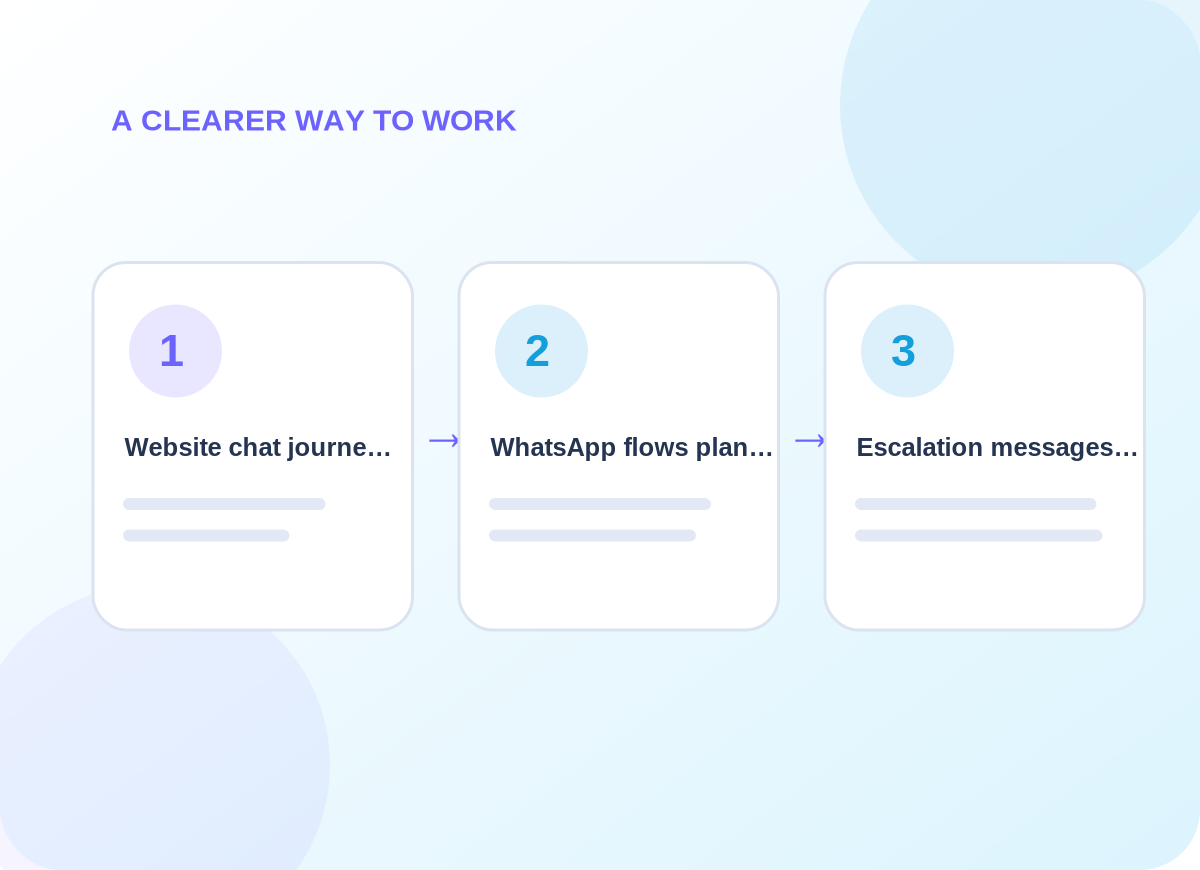
Conceptual delivery stages tailored during discovery
What is included
From chat to a complete support handoff
Choose the capabilities that matter to your business. The final quote identifies which systems, channels and ongoing tasks are in scope.
01
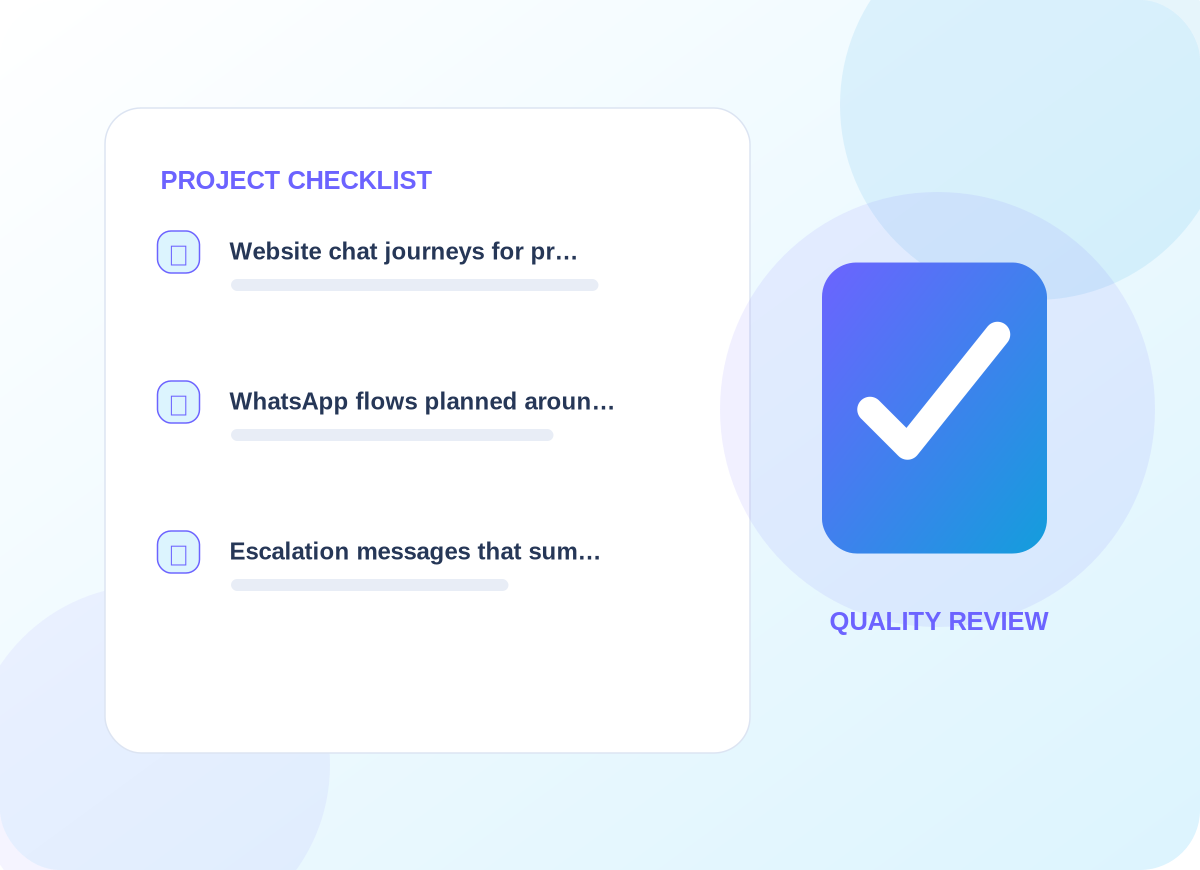
Website chat journeys for product questions, lead capture and contact requests
The first design review identifies the information needed for website chat journeys for product questions, lead capture and contact requests. That decision affects customer-facing wording, who maintains the information, and how a person recognizes an incomplete request. We agree examples before implementing a live workflow.
02
WhatsApp flows planned around approved templates, channel permissions and opt-in
For whatsapp flows planned around approved templates, channel permissions and opt-in, provider access and existing data are inspected before a connection is promised. We document what is read, what may change, and how a failure reaches the responsible person. The resulting process should make sense even without its diagram.
03
Escalation messages that summarize the conversation before transferring to a human
With escalation messages that summarize the conversation before transferring to a human, we agree a useful acceptance check and record what happens when expected information is missing. The handover explains how to review the result and who should respond to unusual cases rather than leaving them in an anonymous queue.
Project details are confirmed before delivery
How we work
Design for each messaging channel
Messages must not expose private account information, invent stock or delivery commitments, or initiate promotional outreach without appropriate permission.
01
Explore the current setup
We start by asking the right people to explain their existing process and exceptions. The immediate work is to collect reliable FAQs, service terms, messaging permissions and escalation contacts. We agree who can approve changes and which user or customer interactions cannot be disrupted.
02
Design and prepare
Once the scope is clear, the delivery team works to design concise answers and define precisely what the assistant cannot promise. Existing permissions and provider limitations are checked; any dependency not available is called out before launch instead of being presented as completed.
03
Verify before handover
Before the service is accepted, we plan to test unsupported requests, privacy questions, off-topic prompts and human takeover. We document issues found in realistic scenarios and leave clear instructions for requesting changes or escalating unresolved work.
What you can expect
Practical deliverables, not a vague promise
Conversation flows, a reviewed FAQ collection, human-handover summaries, channel-specific limitations and a plan for maintaining source content.
A phased deployment can begin with public FAQ answers before account-specific actions are enabled.
We also discuss how to observe progress using answer relevance, successful handovers, missing knowledge topics and user satisfaction. Those are useful review points for the agreed engagement, not claims about results that have already been achieved.
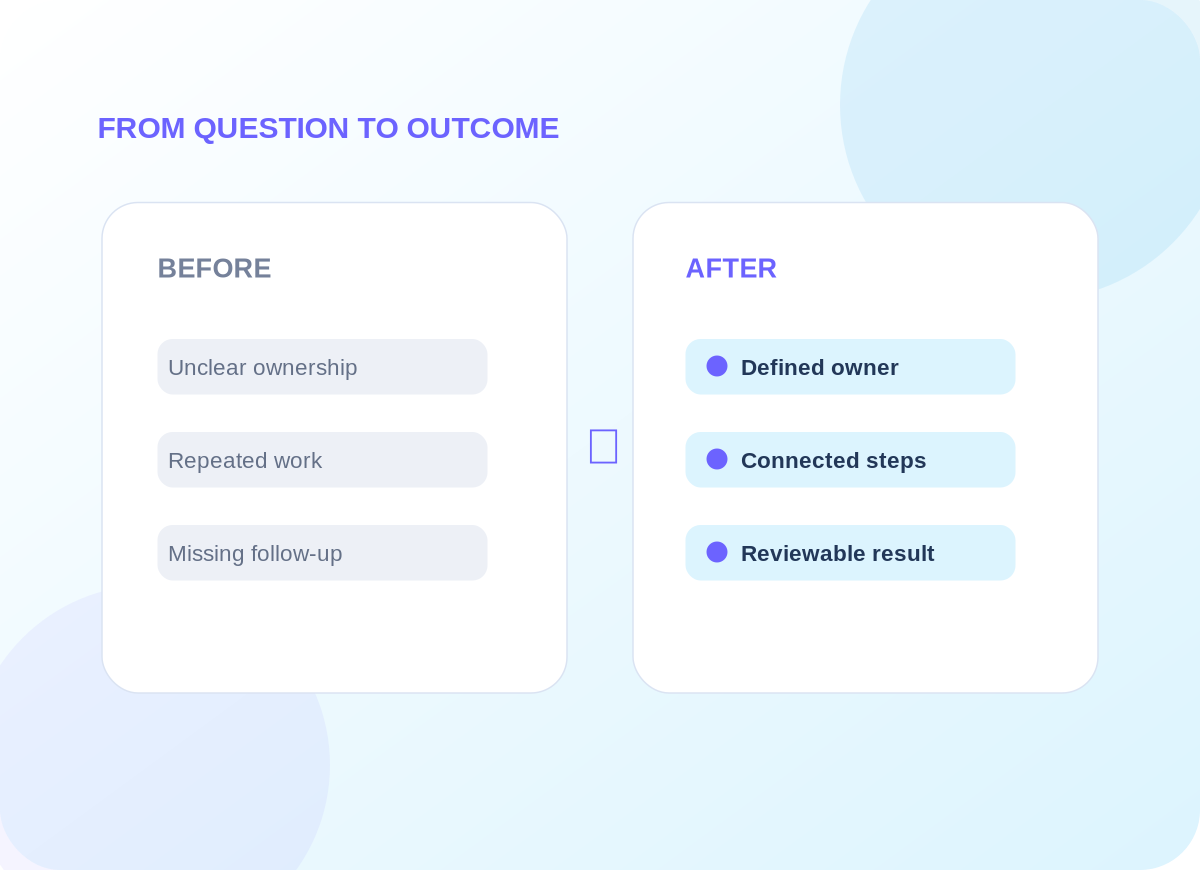
Example operational improvements to consider
Common questions
Questions worth answering before you begin
Is WhatsApp setup the same as a website chatbot?
No. WhatsApp requires official channel access, appropriate consent and sometimes approved templates. Website chat can often be launched with simpler public-FAQ workflows.
What if a visitor asks about their private order?
The assistant should use only approved, authorized account data. If it cannot verify identity or retrieve reliable order information, it should hand the request to staff.
Start with a conversation
Let’s discuss your ai chatbots & whatsapp automation project.
Tell us about the tools you use, the work that needs improving and the constraints we should respect. We will recommend an appropriate first step.