Connect common business tasks, notifications and approvals into streamlined workflows. Built for operations teams repeating the same manual updates.
A business process might look simple until one missing approval, failed API request or duplicate webhook creates inconsistent records in several systems.
Illustrative stock photography · not a client project
Start with the real workflow
Turn routine handoffs into repeatable workflows
A completed enquiry form should open a CRM lead, notify the right owner and schedule a reminder. If the form is submitted twice, the workflow should recognize the duplicate rather than create two appointments and conflicting tasks.
We map triggers, owners, data fields, approval gates, error notifications and retry rules. The first release focuses on a measurable business process instead of attempting to automate every exception.
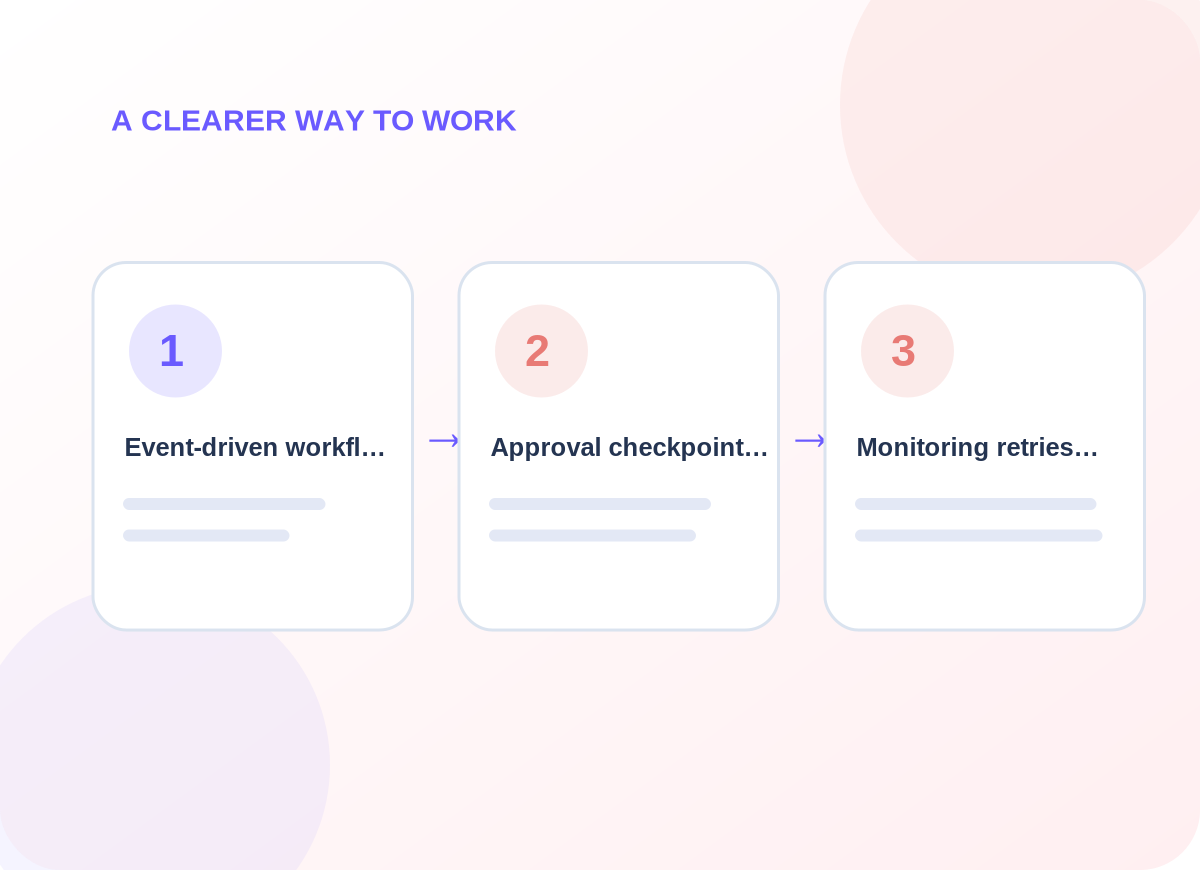
Conceptual delivery stages tailored during discovery
What is included
Build reliability into every trigger
Choose the capabilities that matter to your business. The final quote identifies which systems, channels and ongoing tasks are in scope.
01
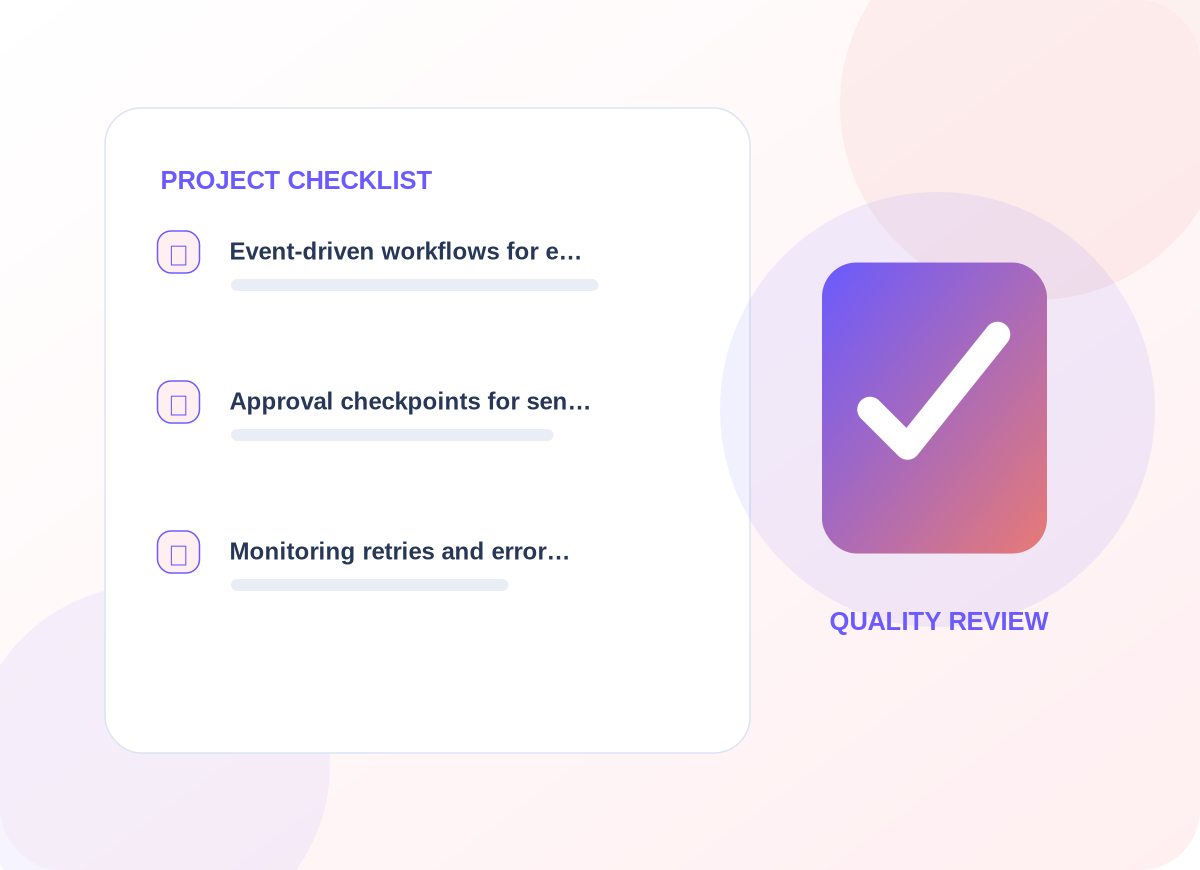
Event-driven workflows for enquiries, task creation, reminders and status changes
The first design review identifies the information needed for event-driven workflows for enquiries, task creation, reminders and status changes. That decision affects customer-facing wording, who maintains the information, and how a person recognizes an incomplete request. We agree examples before implementing a live workflow.
02
Approval checkpoints for sensitive actions rather than uncontrolled automation
For approval checkpoints for sensitive actions rather than uncontrolled automation, provider access and existing data are inspected before a connection is promised. We document what is read, what may change, and how a failure reaches the responsible person. The resulting process should make sense even without its diagram.
03
Monitoring, retries and error alerts for workflows that touch several systems
With monitoring, retries and error alerts for workflows that touch several systems, we agree a useful acceptance check and record what happens when expected information is missing. The handover explains how to review the result and who should respond to unusual cases rather than leaving them in an anonymous queue.
Project details are confirmed before delivery
How we work
Keep approvals and errors visible
Automation must stop safely when a required permission is missing, a provider rate-limits requests, or a human approval is required.
01
Explore the current setup
We start by asking the right people to explain their existing process and exceptions. The immediate work is to diagram the current manual process with inputs, owners and failure cases. We agree who can approve changes and which user or customer interactions cannot be disrupted.
02
Design and prepare
Once the scope is clear, the delivery team works to build the smallest reliable workflow using supported API events and permissions. Existing permissions and provider limitations are checked; any dependency not available is called out before launch instead of being presented as completed.
03
Verify before handover
Before the service is accepted, we plan to replay sample events and check duplicates, failures, audit trails and recovery. We document issues found in realistic scenarios and leave clear instructions for requesting changes or escalating unresolved work.
What you can expect
Practical deliverables, not a vague promise
A process map, source-to-destination data mapping, monitored workflow, exception list and practical restart instructions.
Successful automation is about dependable completion and clear ownership, not the number of connected apps.
We also discuss how to observe progress using manual steps removed, duplicate actions, processing failures and time to resolution. Those are useful review points for the agreed engagement, not claims about results that have already been achieved.
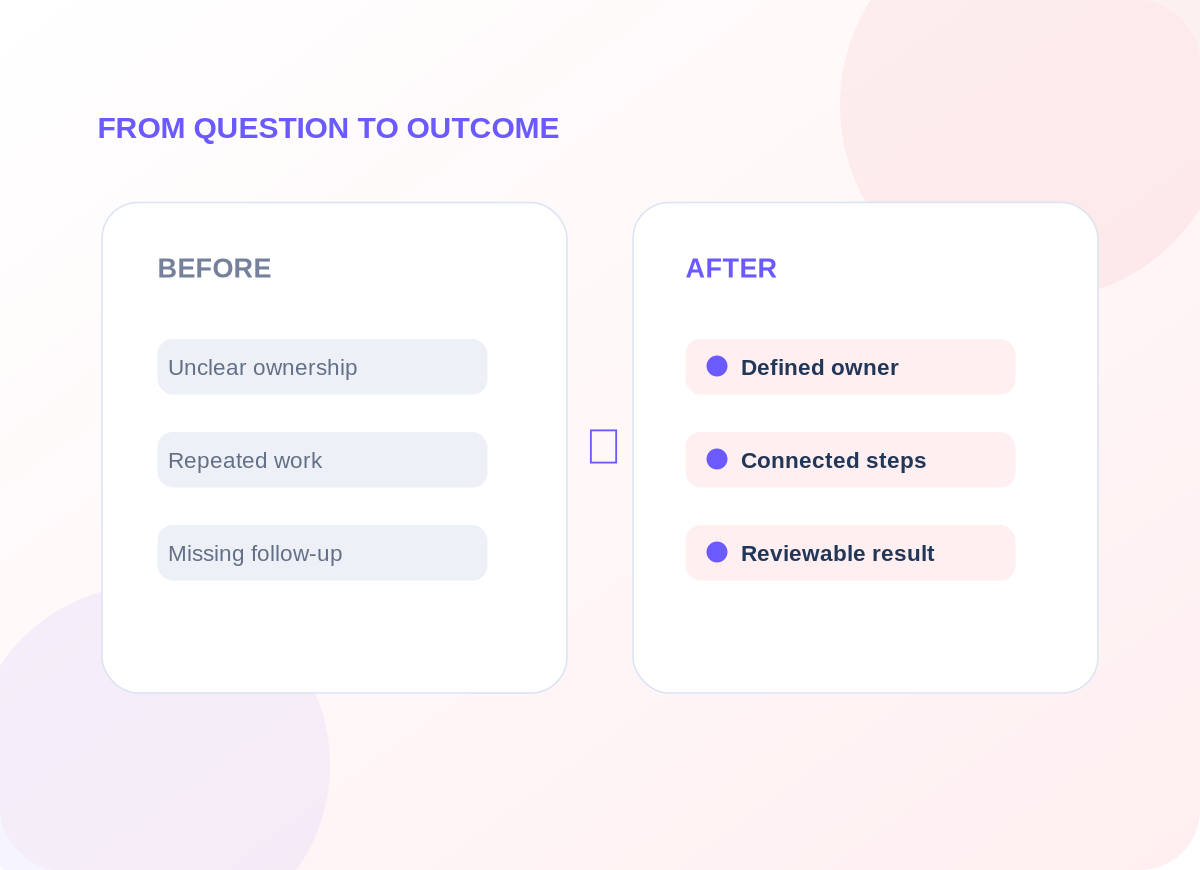
Example operational improvements to consider
Common questions
Questions worth answering before you begin
What if an automation runs twice?
We use idempotency keys or record matching where supported, and test repeated events before production use. The right method depends on the source system.
Can sensitive actions require approval?
Yes. The workflow can prepare a draft or task, then wait for human confirmation before updating a sensitive record or sending an external message.
Start with a conversation
Let’s discuss your ai business process automation project.
Tell us about the tools you use, the work that needs improving and the constraints we should respect. We will recommend an appropriate first step.