Organize pipelines, migrate records and connect customer workflows. Built for businesses adopting or switching crm software.
Migrating messy records into a fresh platform does not make them clean. Duplicate contacts, inconsistent dates and unclear ownership should be handled before the final import.
Illustrative stock photography · not a client project
Before the first build
Make the data migration count
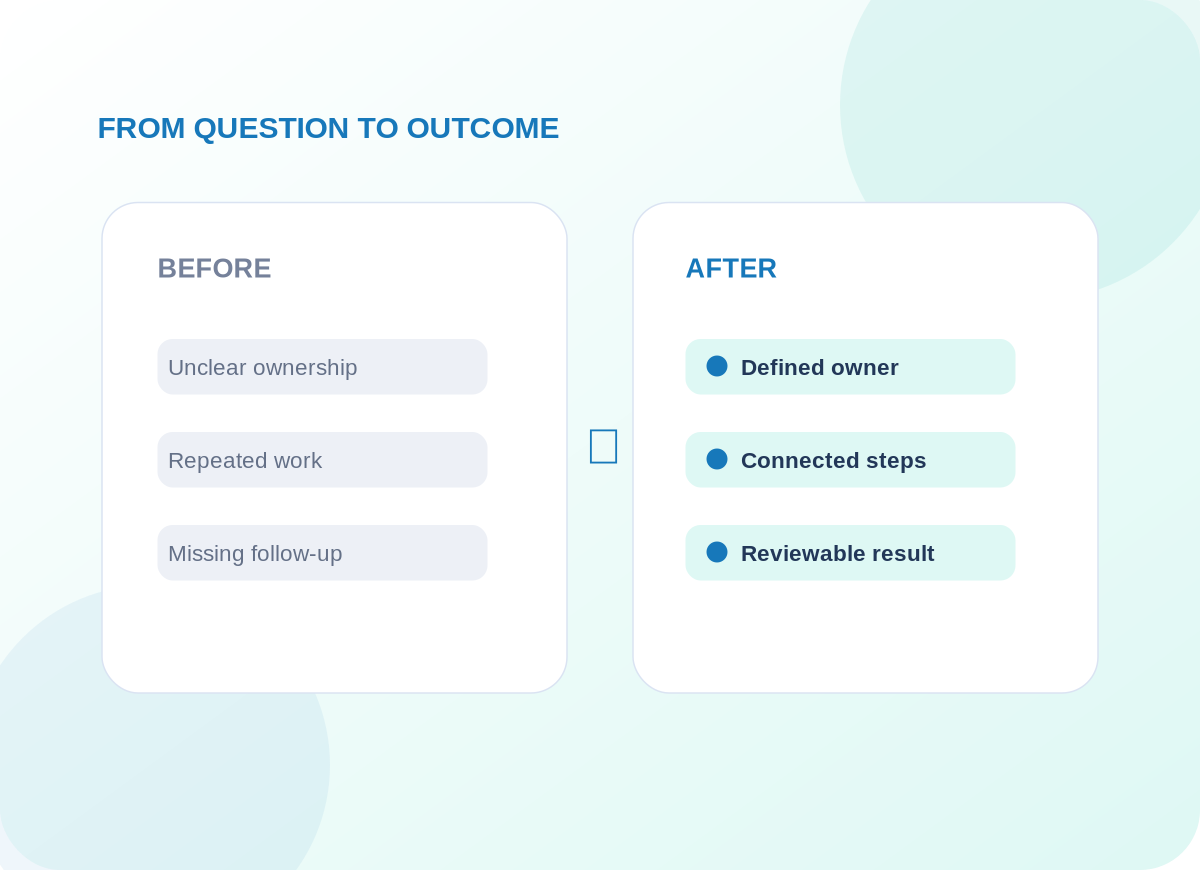
A team moves from spreadsheets and another CRM to a shared sales pipeline. Before transfer, one account appears under three spellings and several opportunities have no owner. We agree reconciliation rules rather than silently merging records.
We build a field map, sample import, permission model, pipeline stages, dashboards and automation rules. Training covers how the team uses the system day to day.
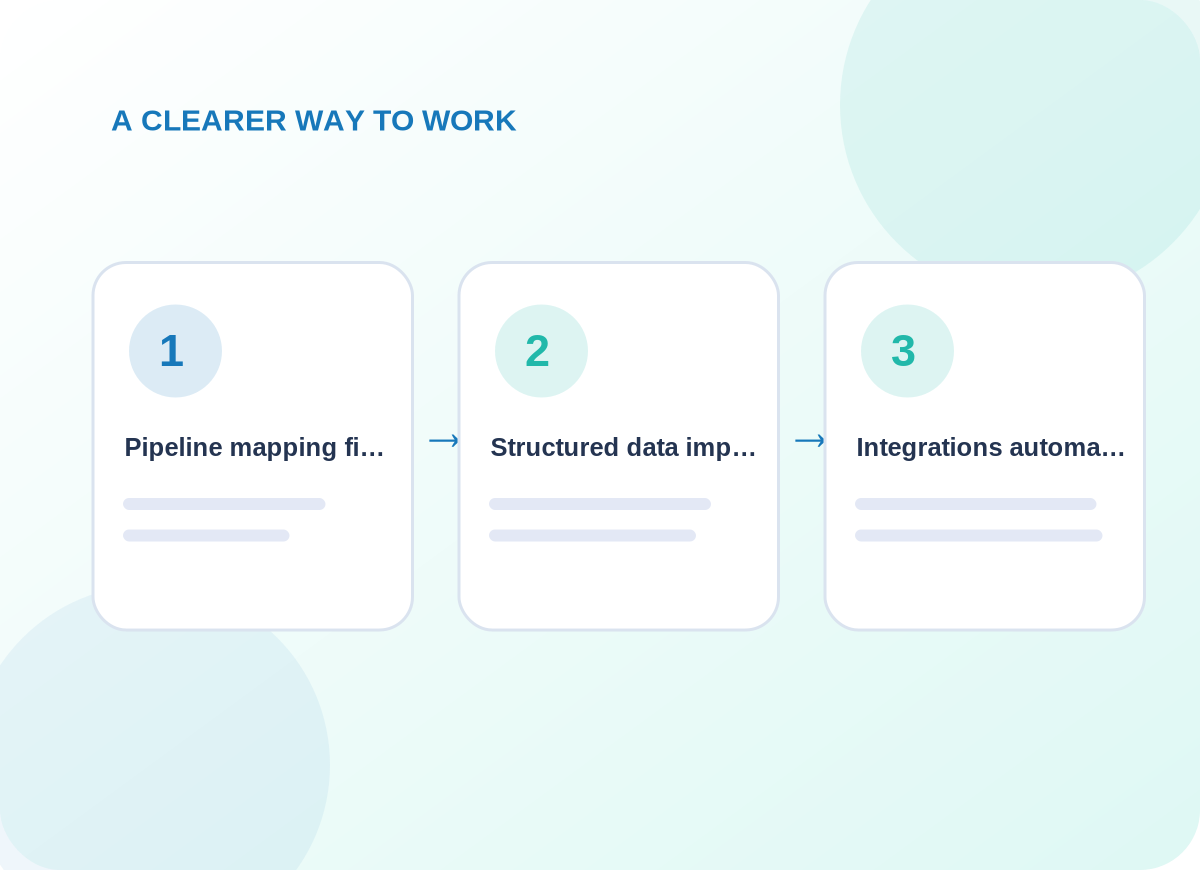
Conceptual delivery stages tailored during discovery
What is included
Design pipelines around the real business
Choose the capabilities that matter to your business. The final quote identifies which systems, channels and ongoing tasks are in scope.
01
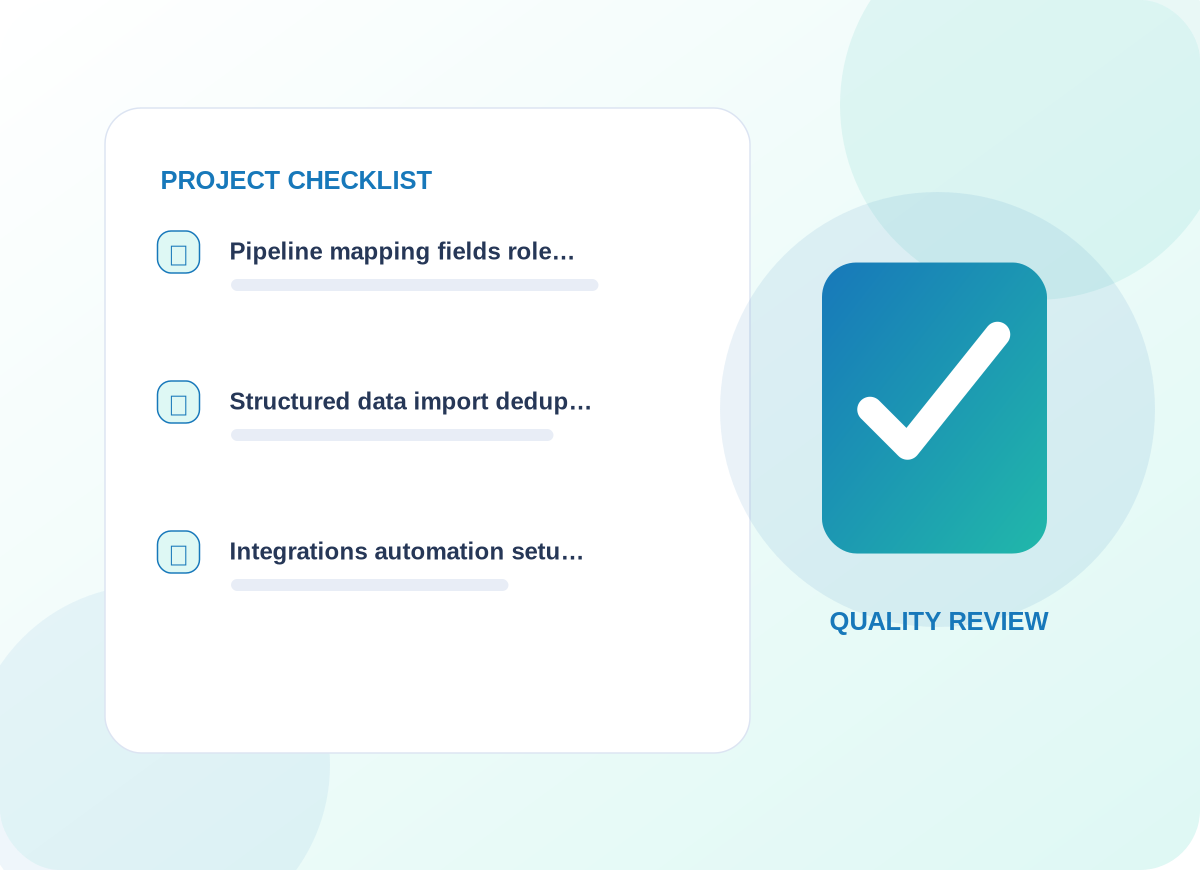
Pipeline mapping, fields, role permissions and views aligned to sales activity
The first design review identifies the information needed for pipeline mapping, fields, role permissions and views aligned to sales activity. That decision affects customer-facing wording, who maintains the information, and how a person recognizes an incomplete request. We agree examples before implementing a live workflow.
02
Structured data import, deduplication and field validation
For structured data import, deduplication and field validation, provider access and existing data are inspected before a connection is promised. We document what is read, what may change, and how a failure reaches the responsible person. The resulting process should make sense even without its diagram.
03
Integrations, automation setup and user handover
With integrations, automation setup and user handover, we agree a useful acceptance check and record what happens when expected information is missing. The handover explains how to review the result and who should respond to unusual cases rather than leaving them in an anonymous queue.
Project details are confirmed before delivery
How we work
Give staff confidence in the new system
Record deletions and merges require approval; unsupported provider APIs or missing export fields may limit migration.
01
Explore the current setup
We start by asking the right people to explain their existing process and exceptions. The immediate work is to inventory source data, critical fields and records that must remain read-only. We agree who can approve changes and which user or customer interactions cannot be disrupted.
02
Design and prepare
Once the scope is clear, the delivery team works to test a sample migration before importing the full approved dataset. Existing permissions and provider limitations are checked; any dependency not available is called out before launch instead of being presented as completed.
03
Verify before handover
Before the service is accepted, we plan to validate totals, access controls, follow-up rules and rollback options. We document issues found in realistic scenarios and leave clear instructions for requesting changes or escalating unresolved work.
What you can expect
Practical deliverables, not a vague promise
A migration workbook, validated sample records, configured CRM, post-import checks and user guidance.
The aim is reliable records and repeatable use, not just a completed CSV upload.
We also discuss how to observe progress using duplicate rate, missing fields, import errors and team adoption. Those are useful review points for the agreed engagement, not claims about results that have already been achieved.
Example operational improvements to consider
Common questions
Questions worth answering before you begin
Can records be migrated without losing history?
Migration plans can preserve source exports and map available history, but completeness depends on what the old system can export and the new platform can import.
Do you delete duplicate customer accounts automatically?
No. We identify candidate duplicates and agree merge rules; potentially destructive operations need explicit approval.
Start with a conversation
Let’s discuss your crm setup, migration & integration project.
Tell us about the tools you use, the work that needs improving and the constraints we should respect. We will recommend an appropriate first step.