Illustrative stock photography · not a client project
Where teams get stuck
Less spreadsheet friction, more clarity
A field team needs to submit service reports, attach photos and see which reports are awaiting approval. Supervisors need a different view from technicians, with an audit trail for changes.
We identify user roles, data relationships, high-frequency actions, access rules and integrations. Working prototypes are tested with the people who perform the task before the full interface is built.
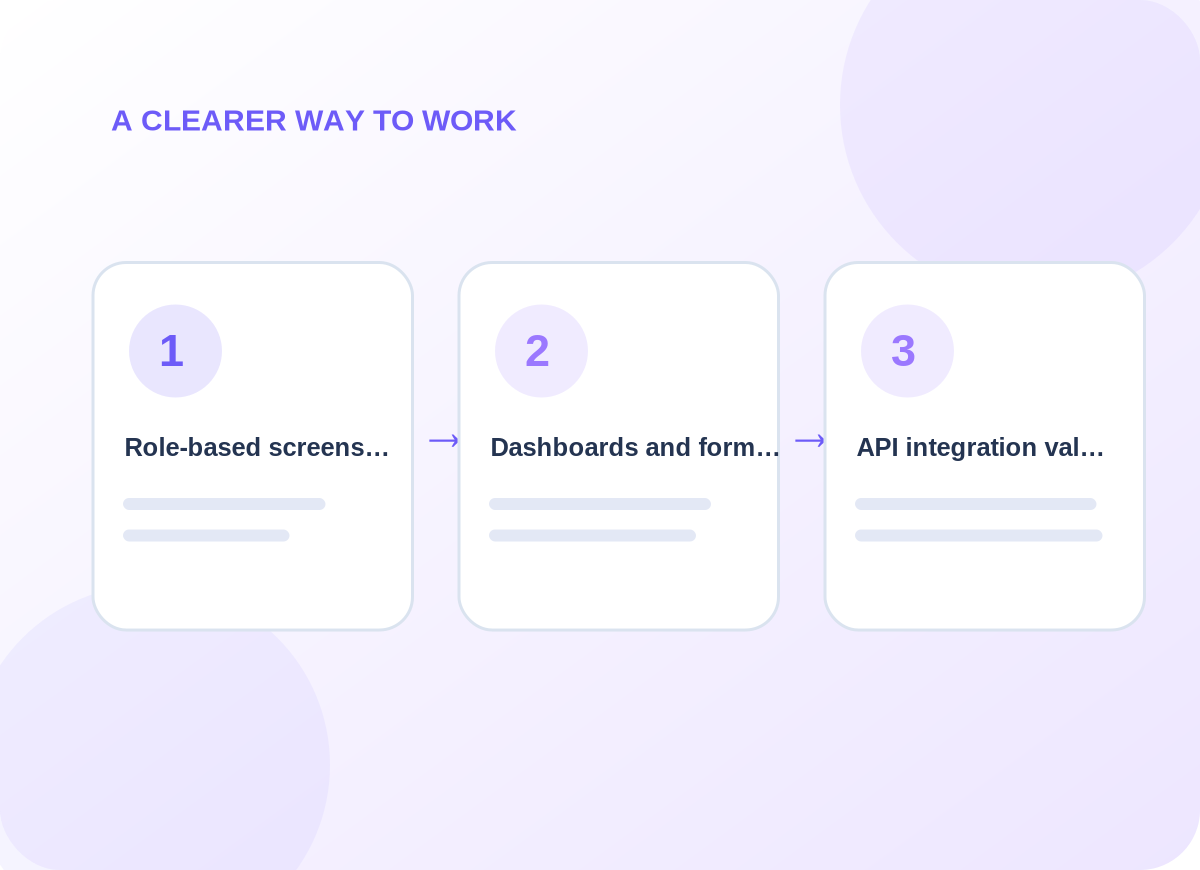
Conceptual delivery stages tailored during discovery
What is included
Shape interfaces around actual roles
Choose the capabilities that matter to your business. The final quote identifies which systems, channels and ongoing tasks are in scope.
01
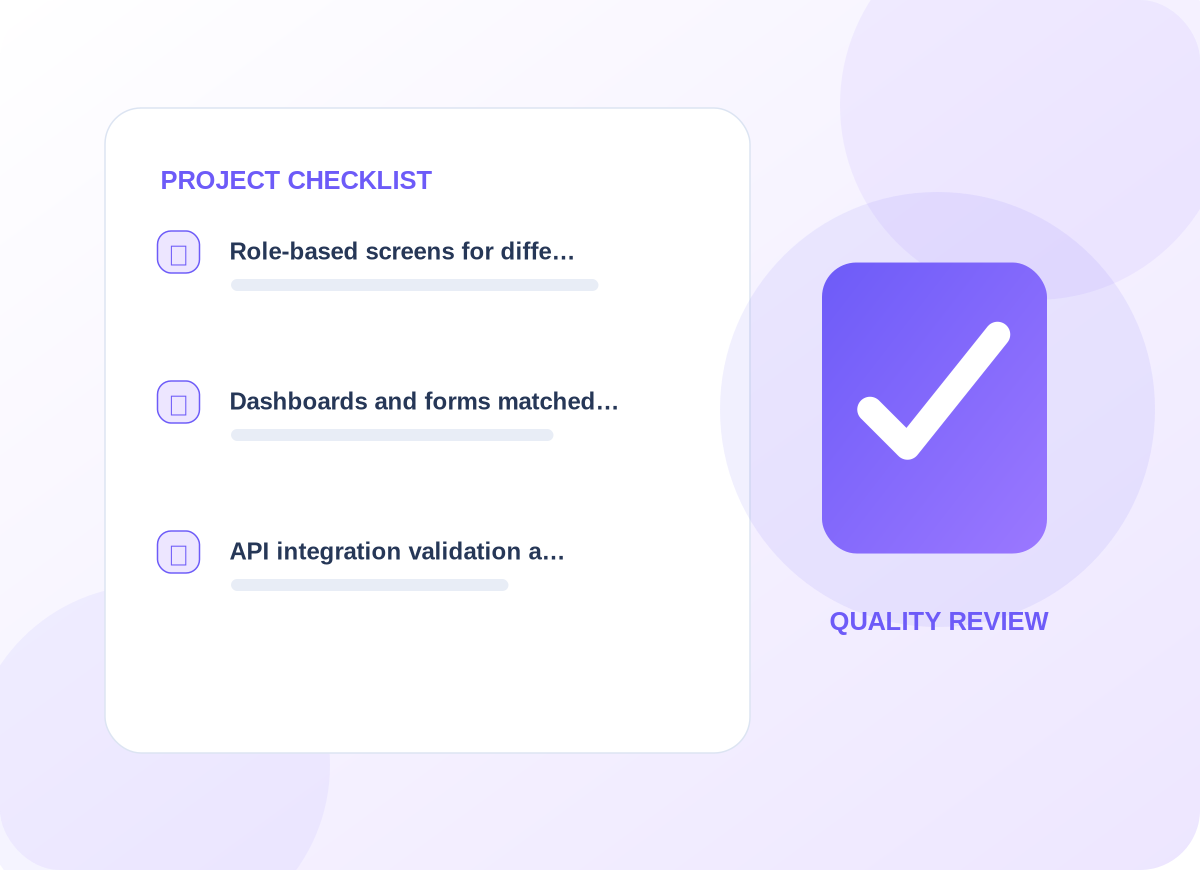
Role-based screens for different users and tasks
The first design review identifies the information needed for role-based screens for different users and tasks. That decision affects customer-facing wording, who maintains the information, and how a person recognizes an incomplete request. We agree examples before implementing a live workflow.
02
Dashboards and forms matched to real business data and workflows
For dashboards and forms matched to real business data and workflows, provider access and existing data are inspected before a connection is promised. We document what is read, what may change, and how a failure reaches the responsible person. The resulting process should make sense even without its diagram.
03
API integration, validation and deployment planning
With api integration, validation and deployment planning, we agree a useful acceptance check and record what happens when expected information is missing. The handover explains how to review the result and who should respond to unusual cases rather than leaving them in an anonymous queue.
Project details are confirmed before delivery
How we work
Build for the moments things go wrong
Data validation, concurrency, access control, backups, device constraints and error recovery become part of the requirements.
01
Explore the current setup
We start by asking the right people to explain their existing process and exceptions. The immediate work is to map user roles, expected volumes, security needs and core workflows. We agree who can approve changes and which user or customer interactions cannot be disrupted.
02
Design and prepare
Once the scope is clear, the delivery team works to prototype the most important screens before full implementation. Existing permissions and provider limitations are checked; any dependency not available is called out before launch instead of being presented as completed.
03
Verify before handover
Before the service is accepted, we plan to test permissions, data validation, failure paths, backup and recovery. We document issues found in realistic scenarios and leave clear instructions for requesting changes or escalating unresolved work.
What you can expect
Practical deliverables, not a vague promise
Role-based wireframes, data flow diagrams, an agreed first release, acceptance tests and maintenance guidance.
The most useful version often starts with one complete workflow and adds reporting later.
We also discuss how to observe progress using task completion time, invalid entries, support requests and workflow adoption. Those are useful review points for the agreed engagement, not claims about results that have already been achieved.
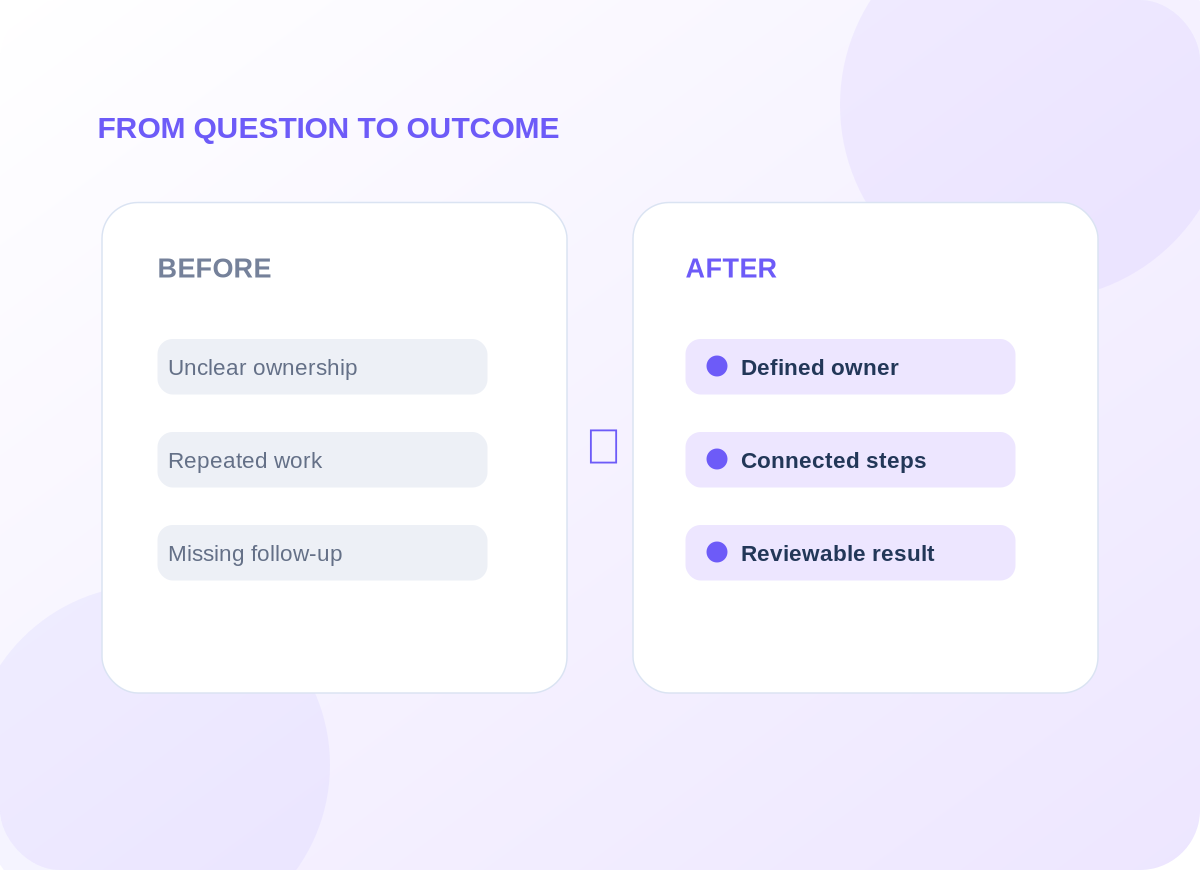
Example operational improvements to consider
Common questions
Questions worth answering before you begin
How do you decide which user roles are needed?
We map what each role needs to view, create, approve or export. Permissions are based on actual responsibilities rather than an assumption that every employee needs administrator access.
Will the app work on tablets and mobile screens?
Responsive layouts can be planned across screen sizes. Any offline functionality, camera use or tablet-specific workflow is defined in the agreed scope.
Start with a conversation
Let’s discuss your custom web applications project.
Tell us about the tools you use, the work that needs improving and the constraints we should respect. We will recommend an appropriate first step.