Illustrative stock photography · not a client project
Before the first build
Troubleshoot with a repeatable method
An employee cannot sign into a business application after a device change. Good support checks identity, error messages, account state and approved recovery steps before escalating to the software vendor.
We define supported devices, applications, access permissions, diagnostic workflows and escalation contacts. Cases are documented so repeated issues become clearer over time.
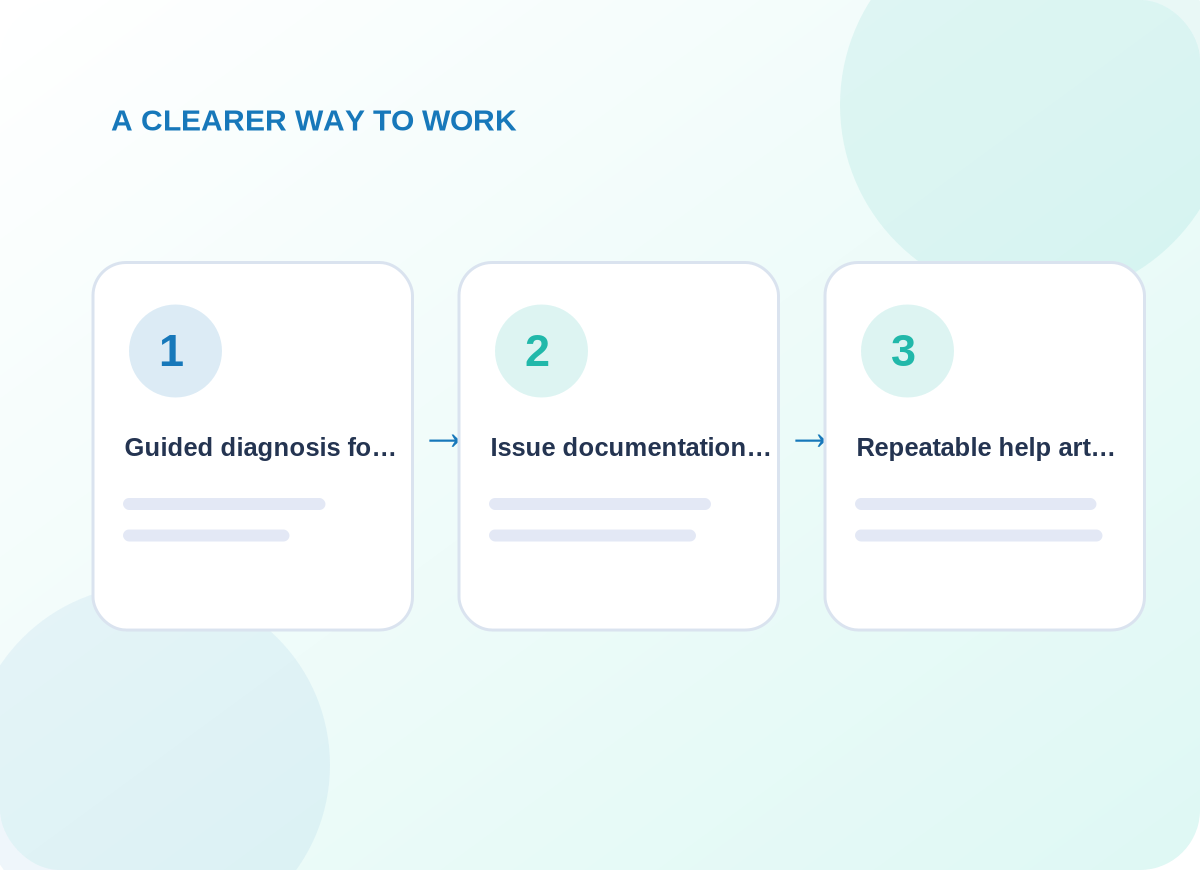
Conceptual delivery stages tailored during discovery
What is included
Get the right details before escalating
Choose the capabilities that matter to your business. The final quote identifies which systems, channels and ongoing tasks are in scope.
01
Guided diagnosis for supported accounts, web services and configuration issues
The first design review identifies the information needed for guided diagnosis for supported accounts, web services and configuration issues. That decision affects customer-facing wording, who maintains the information, and how a person recognizes an incomplete request. We agree examples before implementing a live workflow.
02
Issue documentation, customer updates and specialist referral when needed
For issue documentation, customer updates and specialist referral when needed, provider access and existing data are inspected before a connection is promised. We document what is read, what may change, and how a failure reaches the responsible person. The resulting process should make sense even without its diagram.
03
Repeatable help articles and preventive checklists
With repeatable help articles and preventive checklists, we agree a useful acceptance check and record what happens when expected information is missing. The handover explains how to review the result and who should respond to unusual cases rather than leaving them in an anonymous queue.
Project details are confirmed before delivery
How we work
Respect access and privacy boundaries
Passwords, payment information and personal files should not be sent through unapproved channels. Unmanaged hardware repairs and specialist incidents may fall outside scope.
01
Explore the current setup
We start by asking the right people to explain their existing process and exceptions. The immediate work is to define covered systems, permissions, contact routes and escalation owners. We agree who can approve changes and which user or customer interactions cannot be disrupted.
02
Design and prepare
Once the scope is clear, the delivery team works to triage reports using approved diagnostic steps and safe access methods. Existing permissions and provider limitations are checked; any dependency not available is called out before launch instead of being presented as completed.
03
Verify before handover
Before the service is accepted, we plan to record fixes, unresolved cases and opportunities to prevent recurrence. We document issues found in realistic scenarios and leave clear instructions for requesting changes or escalating unresolved work.
What you can expect
Practical deliverables, not a vague promise
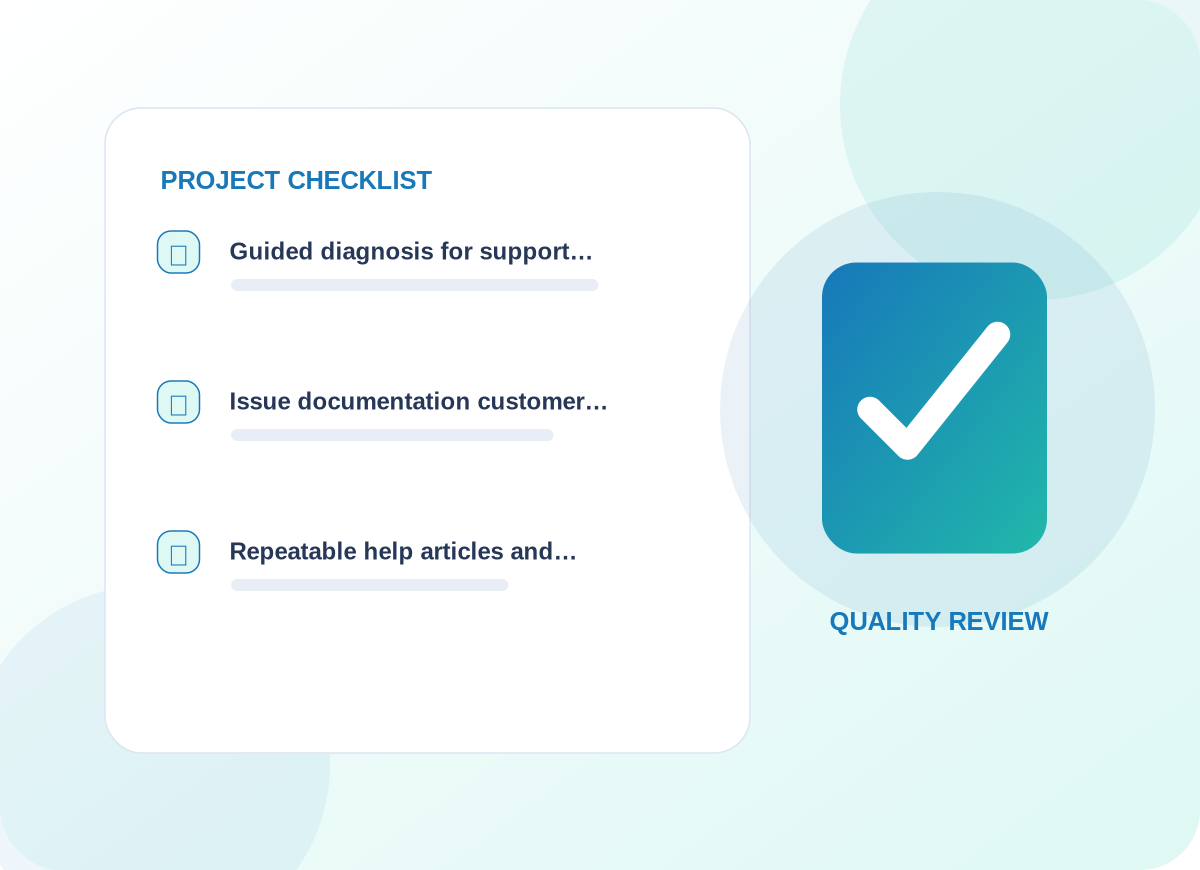
A coverage checklist, case log, troubleshooting guides, escalation route and periodic recurring-issue review.
The service provides agreed first-line support rather than an unlimited IT department.
We also discuss how to observe progress using issue closure quality, repeat incidents, escalation time and customer clarity. Those are useful review points for the agreed engagement, not claims about results that have already been achieved.
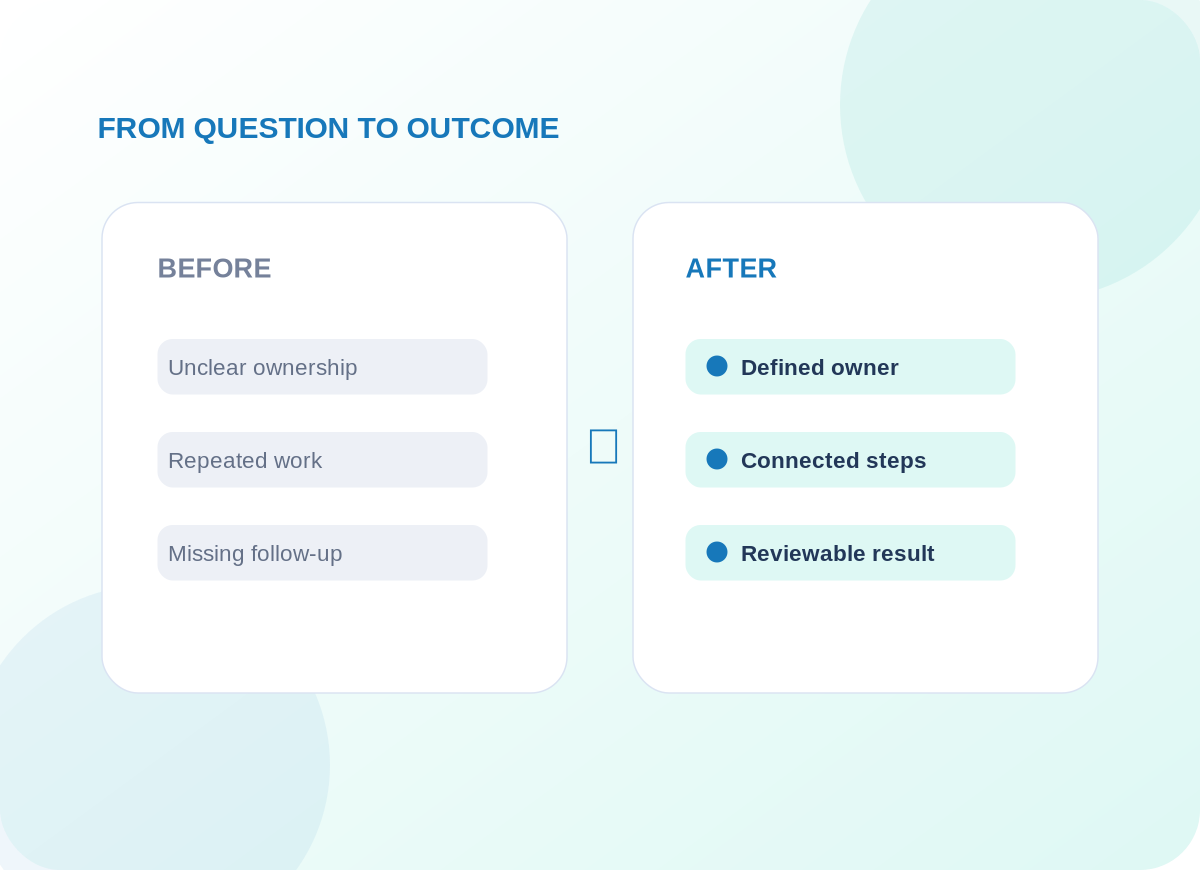
Example operational improvements to consider
Common questions
Questions worth answering before you begin
Can we share passwords in a support request?
No. Use approved access and password reset procedures; never send passwords, private keys or payment details in an ordinary support ticket.
What happens when the problem needs a specialist?
We document symptoms, steps taken and impact, then route the case to the correct vendor or specialist with the customer informed.
Start with a conversation
Let’s discuss your technical troubleshooting & it support project.
Tell us about the tools you use, the work that needs improving and the constraints we should respect. We will recommend an appropriate first step.